Shopify Visual Search for Home Decor: A Practical Guide for Small Brands
Published 3/15/2026
Why home decor shoppers struggle to choose online
Home decor shoppers rarely shop with a fully formed product specification. They usually have a style direction, a room in mind, or a feeling they want to create. That makes standard ecommerce filters useful, but incomplete. A shopper might know they want something warm, minimal, textured, or natural, yet still fail to find the right rug, lamp, mirror, or wall art quickly.
For small Shopify brands, this creates a familiar problem: the catalog is large enough to create choice overload, but not large enough to justify a custom recommendation engine. The result is slow browsing, weaker product discovery, and lost conversion.
What visual search means in practice for a small Shopify store
For most small and medium merchants, visual search does not need to mean a complex AI program. In practical terms, it means giving shoppers a faster way to move from inspiration to shortlist by using images as the starting point.
That can look like:
- a shopper uploads a room photo
- the store asks for a category such as rugs, lamps, or wall art
- the shopper receives a smaller set of visually relevant products
The goal is not to replace navigation entirely. The goal is to reduce search friction when style and visual fit matter more than pure specs.
Why this works especially well for home decor
1. Style is hard to describe in filters alone
Words like modern, cozy, organic, or bold are useful, but inconsistent. A room photo captures far more context than a shopper can usually express in a search bar.
2. Home decor purchases are highly contextual
A table lamp, mirror, rug, or wall print is not chosen in isolation. It is chosen in relation to a room, nearby materials, colors, and other objects.
3. Smaller catalogs still benefit
You do not need thousands of SKUs for this to matter. Even a smaller store can improve conversion if it helps shoppers reach the right product sooner.
Best categories to start with
If you run a Shopify store, start with one category where visual fit strongly influences buying confidence. Good starting categories include:
- rugs
- table and floor lamps
- wall art
- mirrors
- accent chairs
- decorative shelving
- cushions and throws
These categories work well because the shopper is often asking a visual question first: will this look right in my space?
How to launch without overcomplicating it
Step 1: Begin with a single category
Do not launch across the entire catalog immediately. Choose one category with good product photography and a meaningful conversion problem.
Step 2: Clean up your product assets
Before adding visual recommendations, make sure your primary images are usable. You do not need perfect studio consistency, but you do need clear product imagery, reliable product URLs, and sensible categorization.
Step 3: Give the shopper a focused flow
The best flow is short: upload image, choose category, get recommendations. Long onboarding sequences will hurt completion rate.
Step 4: Measure the right outcomes
Track product-page click-through rate from recommendations, conversion for sessions that used the tool, and whether shoppers reach products faster than before.
What about 3D and AR?
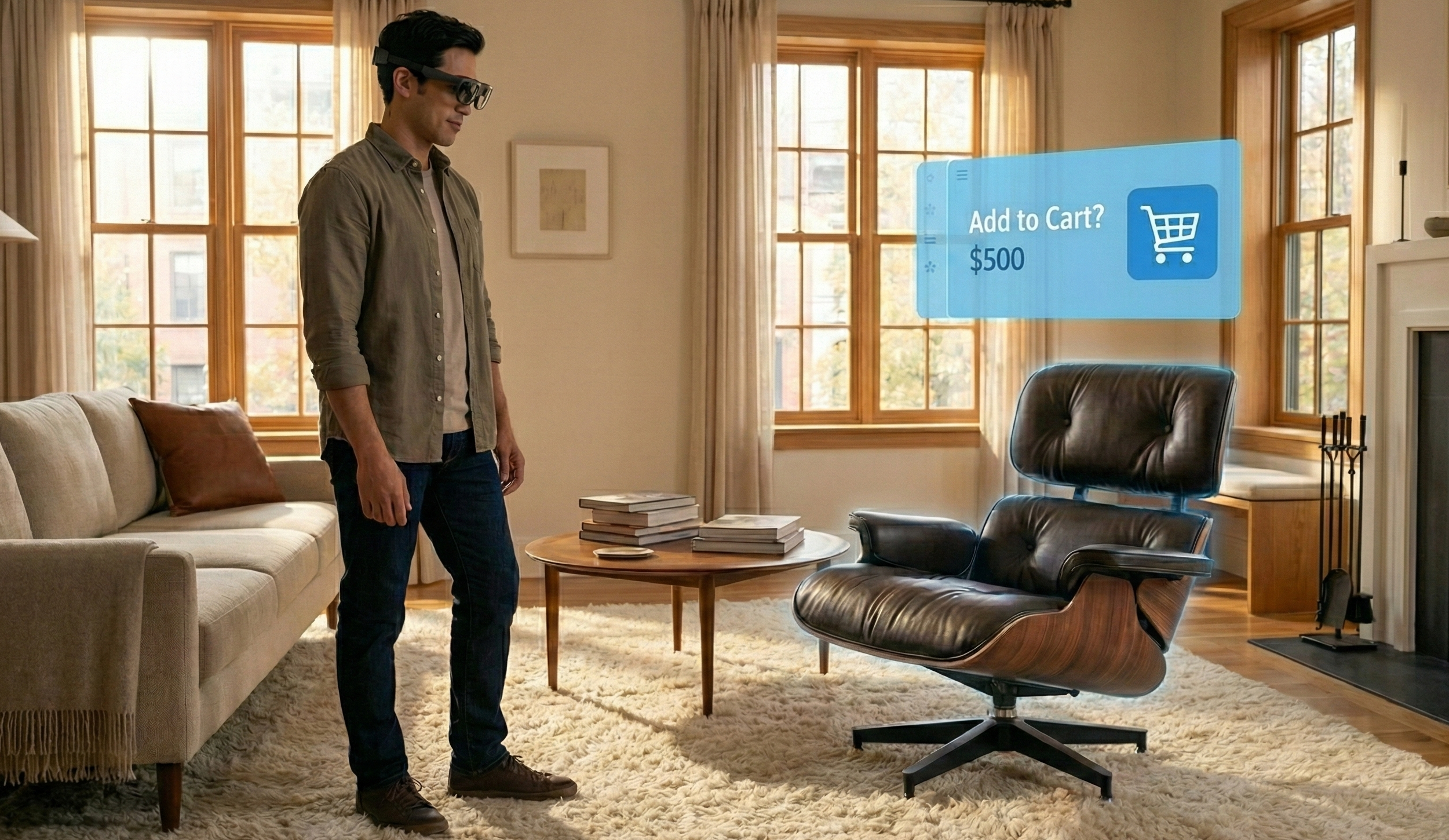
Many merchants assume visual search only becomes valuable when every product has a 3D model. That is the wrong starting point for most smaller brands. If your existing product images are good, a 2D-first recommendation flow can already improve discovery.
3D and AR matter when the product benefits from richer validation. That is especially true for furniture, larger lighting pieces, and other products where scale, silhouette, and placement affect the purchase decision. But for many home decor brands, the first win comes from better discovery, not from full immersive coverage.
A simple launch checklist for Shopify merchants
- choose one category with strong visual-fit questions
- prepare a clean set of product images
- verify product URLs and titles
- embed the experience on a landing page or collection page
- track recommendation click-throughs and conversion
- expand only after the first category performs
Where Lumiz fits
Lumiz is built for merchants that want to improve product discovery without building custom visual recommendation infrastructure. You can start with image-based catalogs, embed a shopper flow into your storefront, and let customers upload a room photo to reach relevant products faster.
For categories where richer validation matters, Lumiz also supports 3D and AR. The practical approach is to start with 2D where it is enough, then add immersive preview where it clearly helps conversion.
If you want to test the workflow, visit the Lumiz Augmented Commerce page or start from the Lumiz dashboard.