Room-Photo Product Recommendations for Furniture & Home Decor: A Practical Guide
Published 2/28/2026
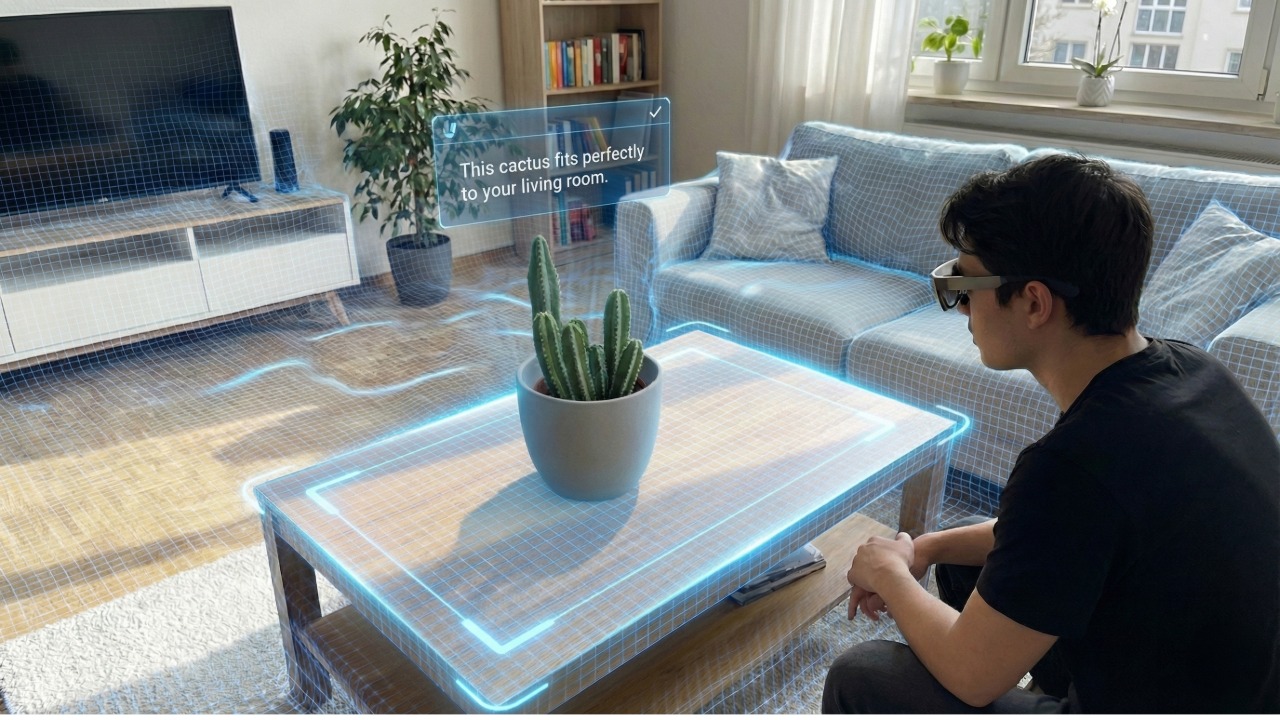
Why furniture and home decor shoppers hesitate (and why it hurts conversion)
Furniture and home decor are high-confidence purchases. Shoppers worry about proportion, color, style, and whether the piece will "fit" their room. Traditional filters (size, color, price) help, but they do not answer the real question: will this look right in my space?
The result is predictable: longer decision cycles, lower conversion, and more returns for "not as expected." If you run a small to medium store on Shopify, WooCommerce (WordPress), Wix, or Webflow, you usually do not have a team to build a custom recommendation engine or a full 3D pipeline.
Room-photo product recommendations are a practical middle path: they use a shopper's room photo as context to generate a shortlist of items that match the room's style and scene, then let shoppers validate the choice via 3D and AR previews.
What are room-photo product recommendations?
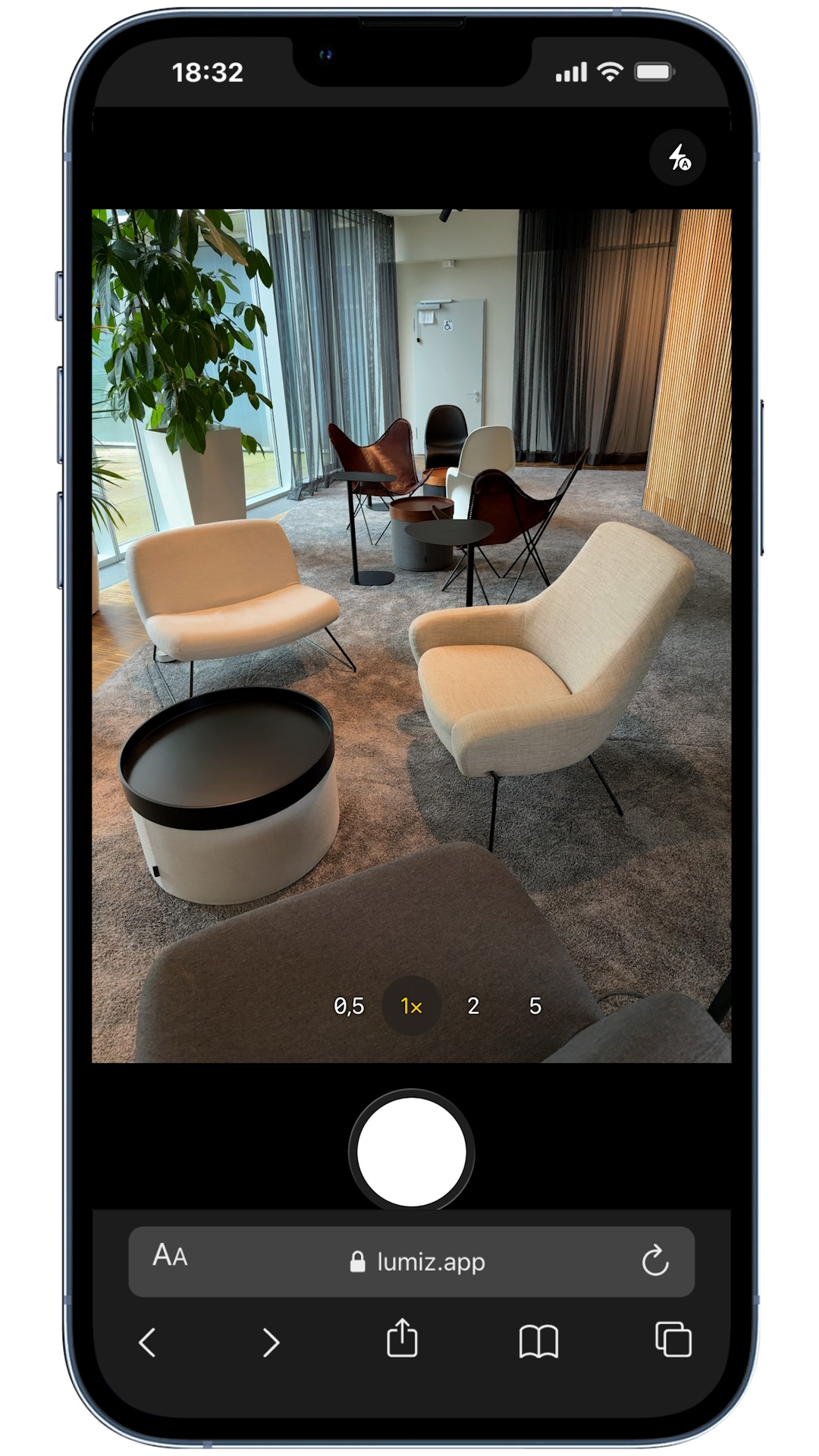
A room-photo recommender is an embedded shopping experience where customers:
- Upload a photo of their room (or the corner they want to furnish).
- Select a product category (for example: rugs, lamps, chairs, coffee tables, wall art).
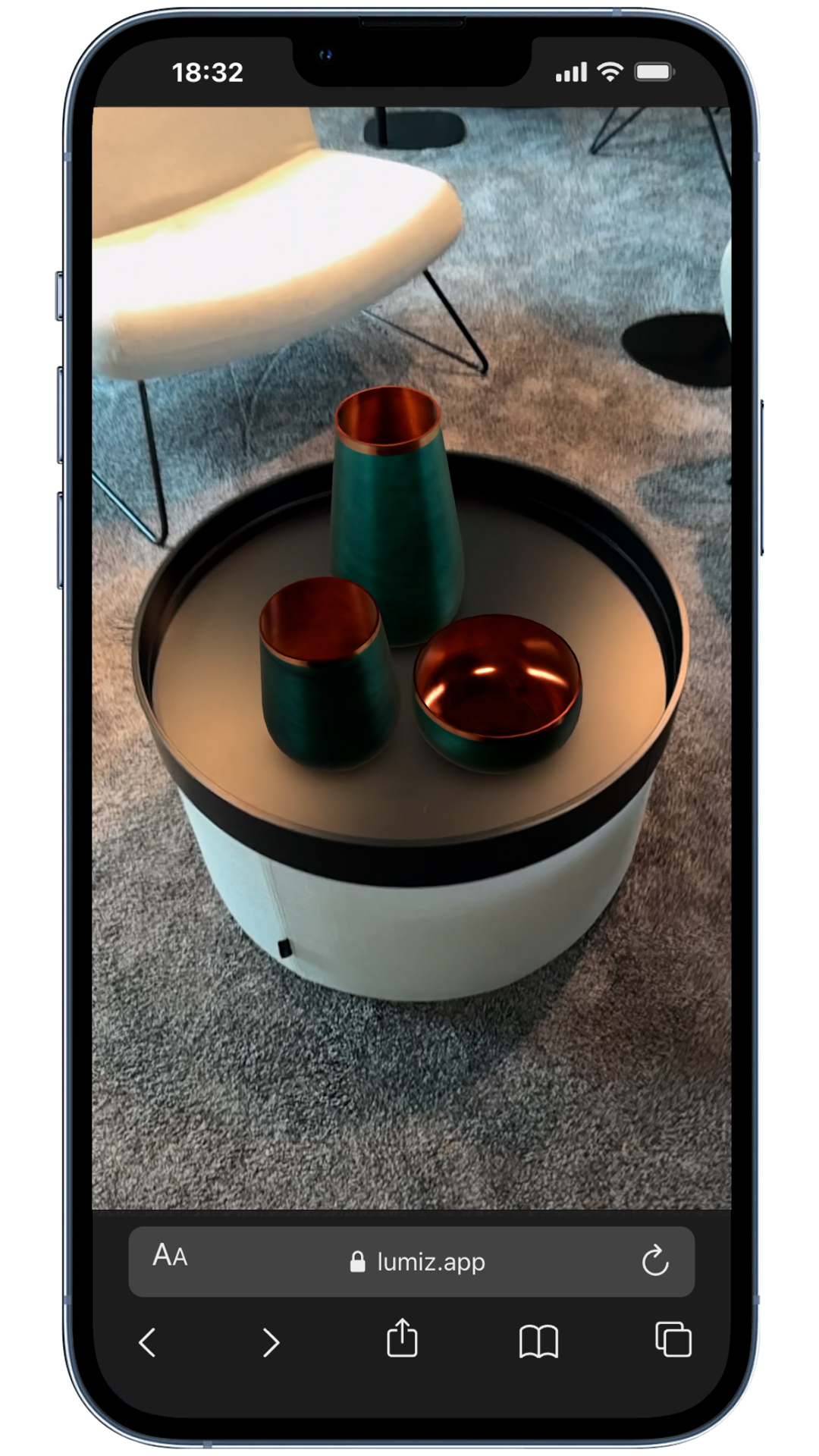
- Receive top product recommendations that visually match the room context.
For high-consideration categories, the goal is not "show more products". The goal is to reduce overwhelm and create a small set of options a shopper can confidently say yes to.
Why this works specifically for home decor & furniture
1) It matches how people actually shop
2) It reduces choice overload
Large catalogs can be a conversion killer when the shopper is uncertain. A room-photo journey that goes photo → category → shortlist helps customers move forward quickly.
3) It turns "maybe" into "yes" with 3D and AR previews
Once a shopper has a shortlist, interactive previews are the fastest way to validate: materials, silhouette, and proportions. Web-based 3D viewers work well on desktop; AR modes (where supported) help shoppers validate scale and placement.
How to launch room-photo recommendations without a custom build
You do not need to rebuild your storefront. The best pattern is to embed the recommender as a focused experience, then link shoppers back to your existing product pages.
Step 1: Start with a single category and a small "quality-first" set
Pick one category where visual fit matters and returns are costly. Good starters:
- Rugs
- Accent chairs
- Coffee tables
- Floor lamps
- Wall art
Begin with a curated set (for example: 20 to 60 products). Early success comes from relevance, not volume.
Step 2: Ensure your product assets are consistent
A room-photo recommender is only as good as the product images it compares against. Before you launch, standardize:
- Primary product images: consistent backgrounds and framing where possible.
- Variants: clear variant images (color/material) so recommendations do not surprise the shopper.
- Critical fields: at least name, product URL, and dimensions.
Dimensions are especially important for furniture because they reduce scale-related returns and make 3D/AR previews more meaningful.
Step 3: Add interactive previews (3D and AR) in a realistic way
Many merchants assume 3D requires expensive content production. In practice, you have a few options:
- Image-to-3D: generate interactive models from product photos for faster onboarding.
- Import existing models: if you already have GLB/GLTF assets, import them and use optional USDZ for iOS AR.
- Hybrid approach: start with 3D on your best sellers, then expand over time.
Even partial 3D coverage can materially improve confidence on your top-recommended items.
Step 4: Embed the experience where it will be used
Two common placements that perform well:
- Dedicated landing page: "Find pieces that fit your room" (great for ads and SEO).
- On-site entry points: a call-to-action on collection pages (for example: "Upload your room photo").
For modern platforms, an HTML embed snippet is often enough to integrate this flow on Shopify, Wix, Webflow, and WordPress.
Step 5: Track the metrics that matter
Room-photo recommendations should improve purchase confidence. Measure impact with a simple baseline:
- Click-through rate from recommendations to product pages
- Conversion rate for sessions that used the recommender vs. sessions that did not
- Return rate for products frequently recommended
- Time to decision (for example: time from landing to add-to-cart)
If you can only track one thing at the start, track conversion lift for recommender sessions. It is the fastest feedback loop.
Common questions (and practical answers)
"Will shoppers upload room photos?"
If your CTA is clear and the payoff is immediate (a shortlist that fits), shoppers will try it. Keep the journey short and obvious: upload photo, pick category, get results.
"What about privacy?"
Make it explicit what happens to the photo and keep your privacy policy visible. Many merchants also add a short note near the upload: "Used only to generate recommendations."
"Do I need 3D models for every product?"
No. Start where it matters: top sellers, high-margin items, or categories with the highest return risk. You can expand coverage over time.
A simple launch checklist
- Choose one category to launch
- Select 20 to 60 products to start
- Verify product URLs and dimensions
- Add 3D/AR previews for top items (optional but recommended)
- Create one landing page + one in-store entry point
- Track conversion for recommender sessions
How LUMIZ fits in
LUMIZ is built for small to medium home decor and furniture merchants who want higher-confidence purchases without building custom 3D or recommendation infrastructure. It lets you:
- Start with product photos (image-to-3D) or import existing 3D models.
- Organize items into a catalog and embed the room-photo recommender via HTML.
- Let shoppers preview recommended items in 3D and AR before they click through to your product page.
If you want to test the workflow, try the live demo on the LUMIZ Augmented Commerce page or start onboarding from Sign in.